 Brave Words
Speech practice your child will ask for.
Bina shows your child how to say it, waits, then listens. A few minutes a day, set in the stories of David, Joseph and Moses.
Coming soon to the App Store, for iPad.
What happens in a lesson
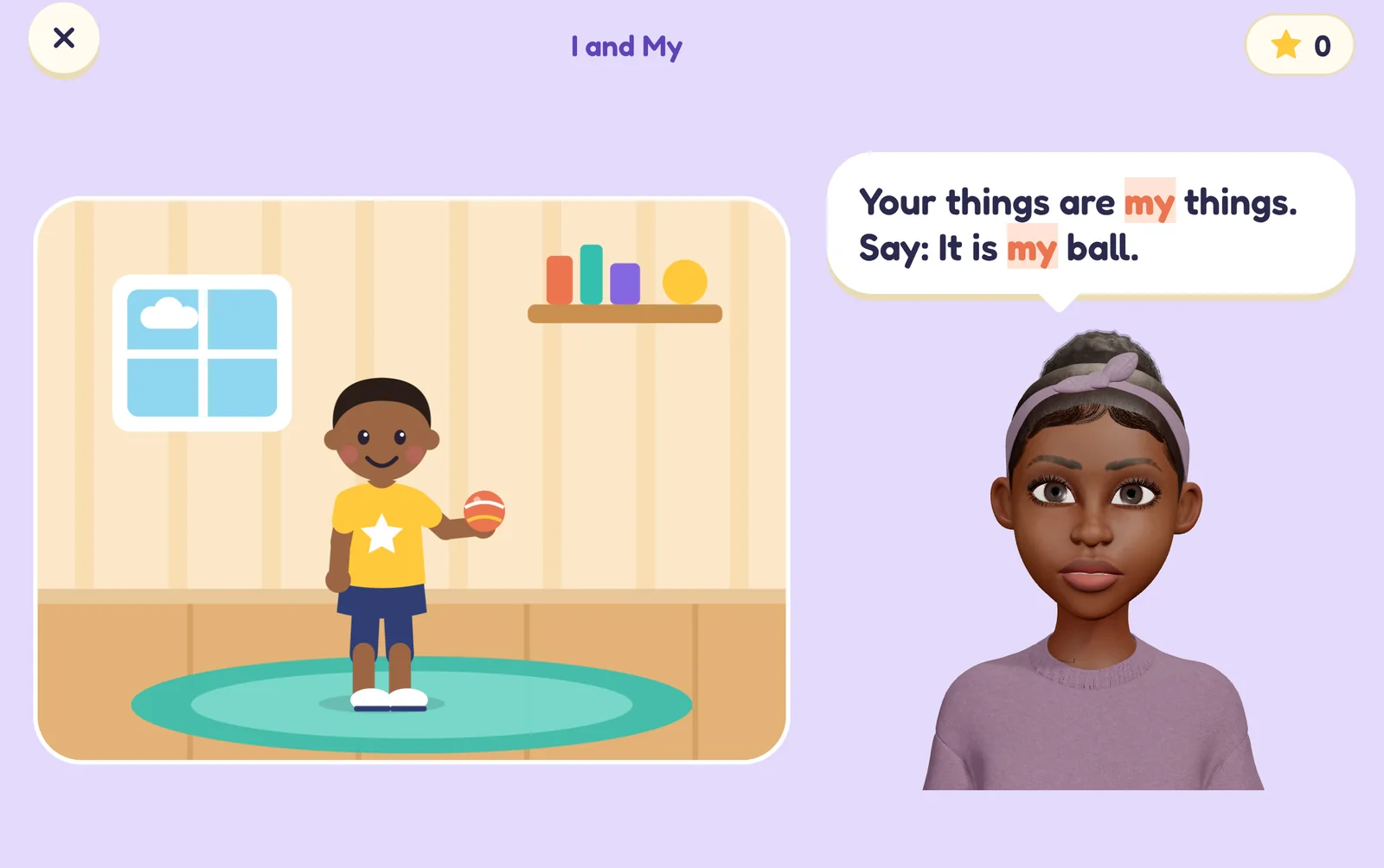
Bina says what you'll practise, shows how with her mouth in close-up, and waits. If your child needs help she gives the start of the sentence, then the whole thing. A mistake is echoed back the right way, never called wrong.
You sit beside them. You don't need to set anything up first: a short placement game finds where to start.
What it practises
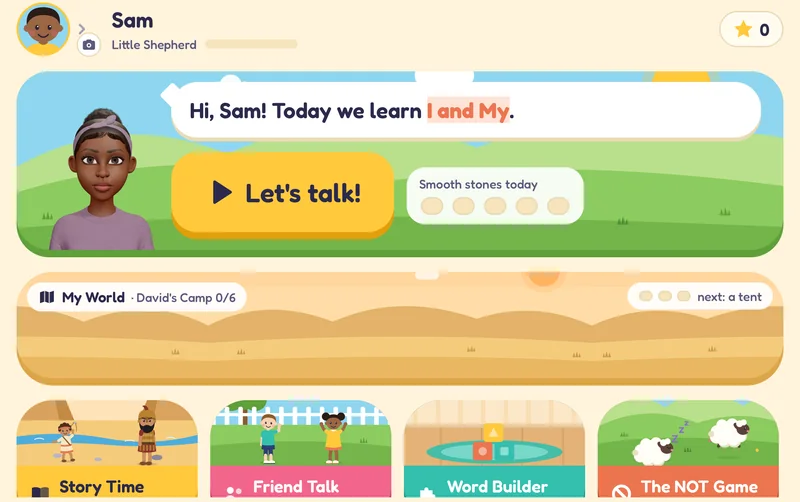
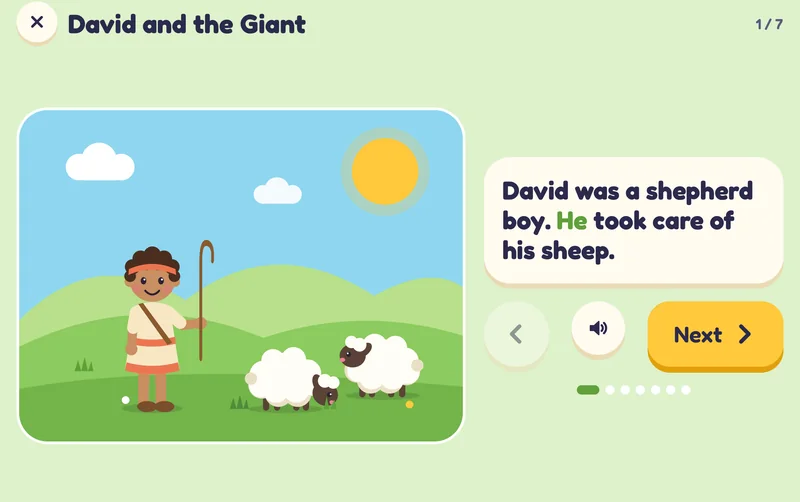
Asking for things. He, she and they. Saying no. Longer sentences. Asking and answering questions. Using words to start play with other children. Clear speech sounds. Retelling a story in their own words.
A skill counts as learned when your child gets 8 of the last 10 right on their own, on two different days.
For speech therapists
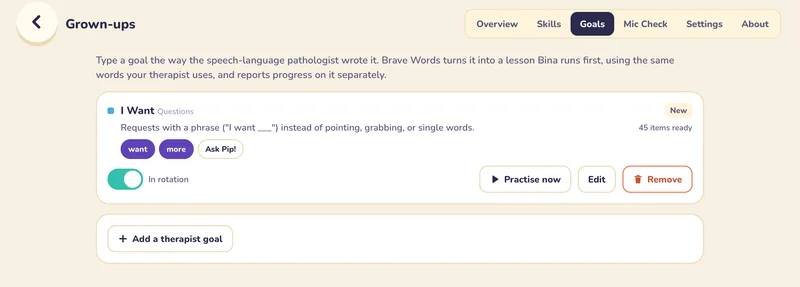
- Type the goal as you wrote itBrave Words turns it into a lesson, with pictures, that Bina runs first.
- See how much help each answer neededOn their own, with a sentence starter, or copied from Bina's model.
- Get a reportA PDF of trials and progress per skill, sent only when the parent chooses.
- Adults decideThe app flags a child who seems stuck. Only a grown-up can make a skill easier.
Your child's voice stays on the iPad
There are no accounts, ads, analytics, tracking or in-app purchases. Read the full privacy policy.
- Recognised on the deviceApple's on-device recogniser does the listening. If the iPad can't do that, the microphone stays off.
- Audio isn't saved“Hear yourself” keeps only the last try, in memory.
- EncryptedProgress is encrypted with a key kept in the iPad's keychain.
- Behind a grown-up PINSettings, the camera, sharing and outside links.